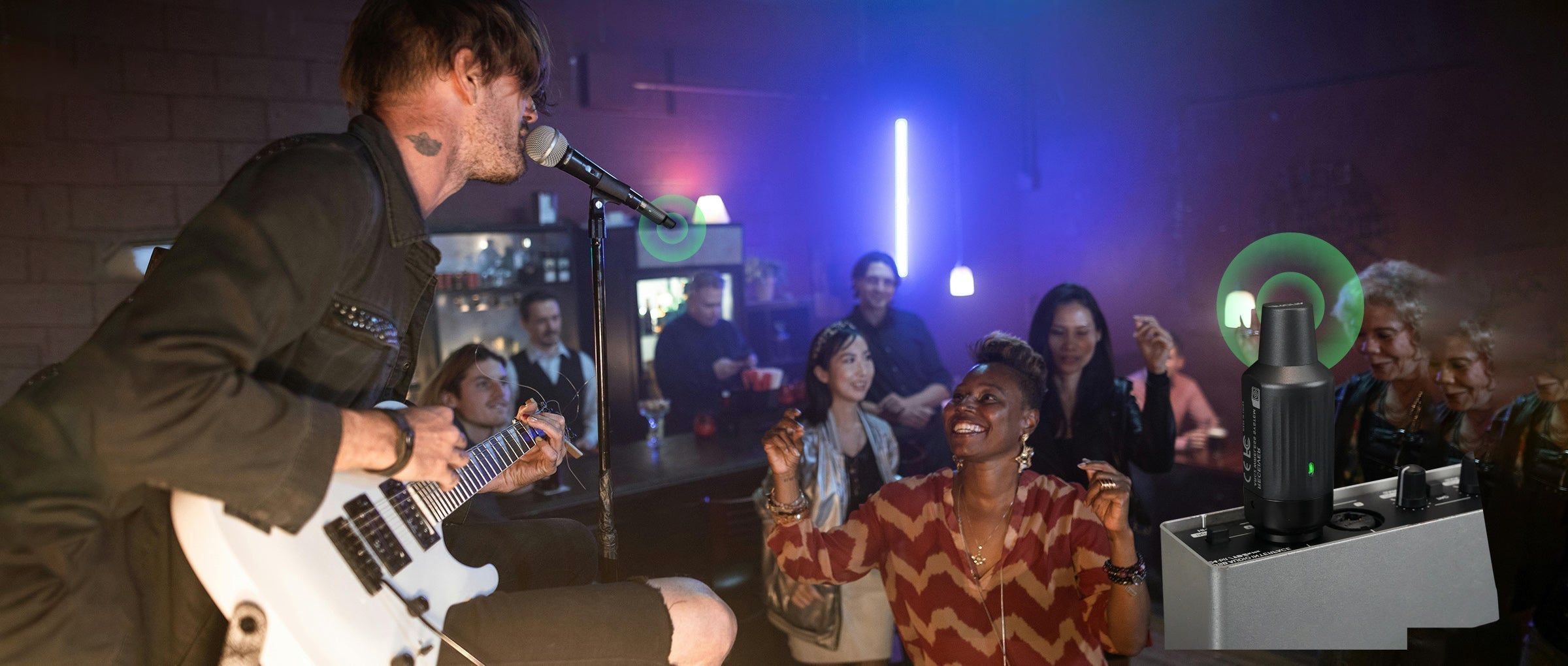
Aroma’s wireless XLR system is designed for effortless, professional audio—but even the best gear can hit a few bumps. Here’s how to solve the most common issues.
1. Signal Dropouts
If your audio cuts out mid-performance, check for obstacles between the transmitter and receiver. Keep the receiver in line of sight and away from crowded WiFi routers or metal structures. With 7 independent channels, Aroma lets you quickly switch frequencies to avoid interference.
2. Noise or Hiss
Unwanted noise often comes from nearby electronic devices. Reposition the receiver, move farther from other wireless gear, or try another frequency. Aroma’s UHF technology ensures strong anti-interference, keeping your voice clean and crisp.
3. Blinking Indicator / Battery Alerts
A flashing light usually signals low battery. Fully recharge both units; Aroma’s rechargeable lithium-ion batteries provide hours of continuous use, plus auto power-off saves energy when idle.
4. Pairing Issues
If pairing fails, reset both transmitter and receiver, keep them close together, and pair again. Ensure no other transmitters are active nearby. Aroma’s plug-and-play design simplifies pairing for solo or multi-mic setups.
5. Distorted Audio / Low Volume
Clipping or low output can happen if the input signal is too hot or the mic is not properly connected. Adjust your mic gain and ensure the XLR connection is secure. Aroma’s system is tuned for dynamic microphones to deliver full-range, lossless sound with minimal latency.

With these checks, your Aroma wireless microphone adapter stays stable, low-noise, and performance-ready—perfect for gigs, speeches, and events.


Share:
How to Get Wireless Sound Without Interference
Troubleshooting Guitar Wireless Systems: Common Problems & Fixes