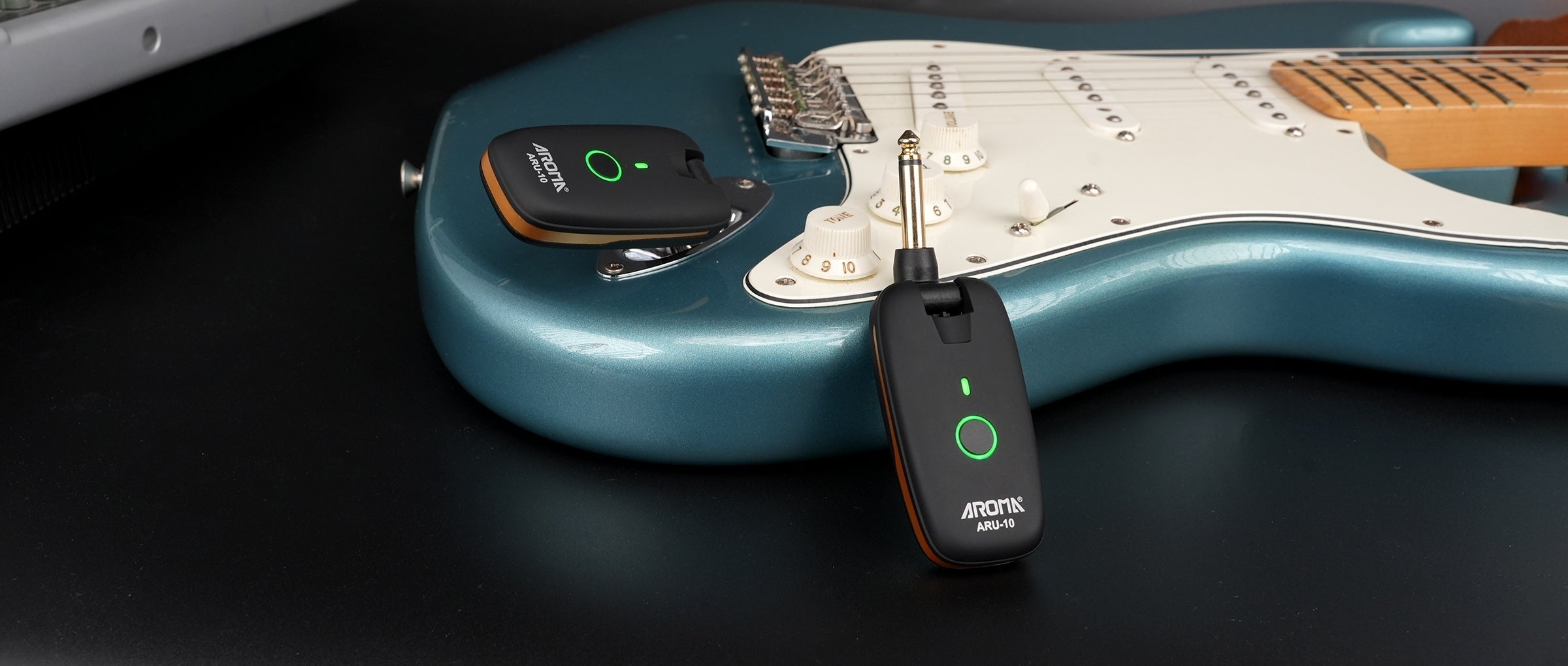
A wireless system should feel effortless — clean tone, no cables, full freedom. But a few common issues may show up during use.
1. Dropouts
If your signal cuts out, check for obstacles between the transmitter and receiver. Avoid standing near crowded WiFi routers or metal structures, and try switching to a different channel.
2. Hiss or Noise
Unwanted noise often comes from interference. Reposition the receiver, move farther from other wireless devices, or select a new frequency.
3. Blinking Indicator Light
A flashing light usually means low battery. Recharge both units fully; Aroma systems perform best when kept above 30% power.
4. Pairing Problems
If pairing fails, reset both devices, keep them close, and pair again. Ensure no other transmitters are active around you.
5. Distorted Audio
If your tone sounds clipped, lower your instrument output or check whether the input signal is too hot.

With quick checks like these, your Aroma wireless system stays stable, clean, and ready for every performance.


Share:
Wireless Mic Adapter Troubleshooting: Fix Common Audio Issues
Guitar String Order & Tuning Tips for Beginners